
Neighborhood Online vs. Town Square
The management of Homeowners Associations (HOAs) has evolved significantly, with various platforms offering diverse functionalities to streamline operations, enhance community engagement, and ensure governance is handled efficiently. Today, we compare two prominent platforms in this space: Neighborhood Online and Town Square, highlighting their features, usability, and overall value to communities.
Neighborhood Online
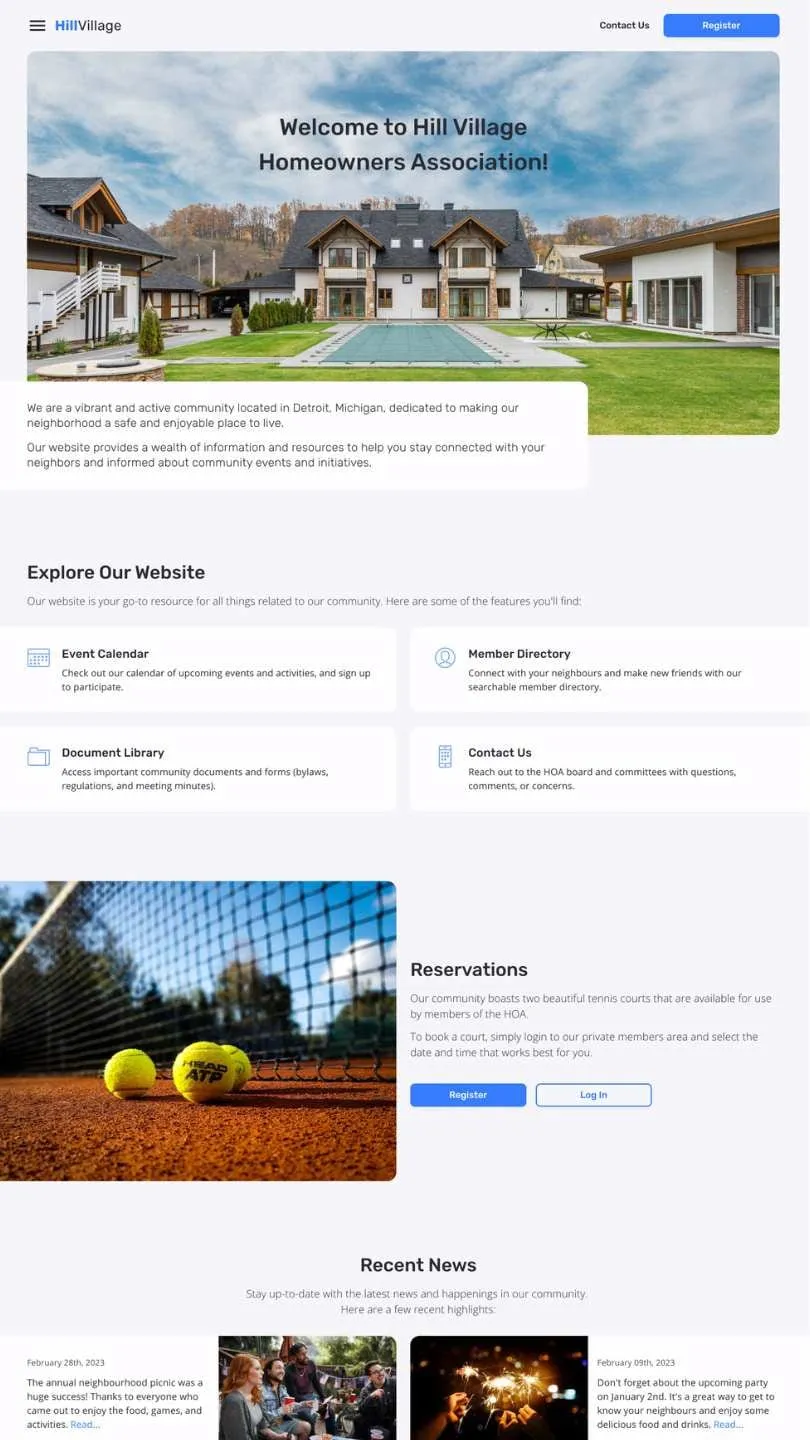
Neighborhood Online positions itself as a user-friendly, comprehensive solution for HOAs, focusing on community engagement, transparent communication, and efficient governance. It offers an intuitive HOA Website builder, aiming to cater to the needs of both small and large communities.
Town Square
Town Square, on the other hand, provides a robust suite of tools designed to enhance online payments and account management. View statements and pay dues from your smartphone or computer.
Key Features and Capabilities of Neighborhood Online
- Community Engagement: Offers tools like photo galleries and surveys to foster a sense of community and inclusiveness.
- User-Friendly Interface: A modern, responsive design that makes website management accessible to everyone, regardless of technical expertise.
Town Square
- Management Suite: Includes comprehensive tools for amenity reservations, event planning, and document storage.
- Financial Management: Provides basic tracking and reporting, with options for online payment integration.
Security and Support
In terms of security and support, both Town Square and Neighborhood Online prioritize ensuring a safe and seamless user experience.
Town Square: With Town Square, you can rest assured that standard security measures are in place. Additionally, their responsive email support team is available to address any issues or queries promptly and effectively.

What Sets Neighborhood Online Apart
- Neighborhood Online takes security and support to the next level. Not only do they offer comprehensive security options, but they also provide a dedicated support system through email and chat. This ensures peace of mind for users, knowing that immediate assistance is just a message away.
- Neighborhood Online handles the security of your website, freeing you to concentrate on enhancing your visitors’ and customers’ experience.
What Town Square Offers
Town Square provides a hassle-free solution for enhancing your HOA’s online presence. With Town Square, you can choose from a selection of two pre-designed templates to get started on building your website. While these templates offer a solid foundation, they may lack the extensive customization options found in other platforms.
What Sets Neighborhood Online Apart
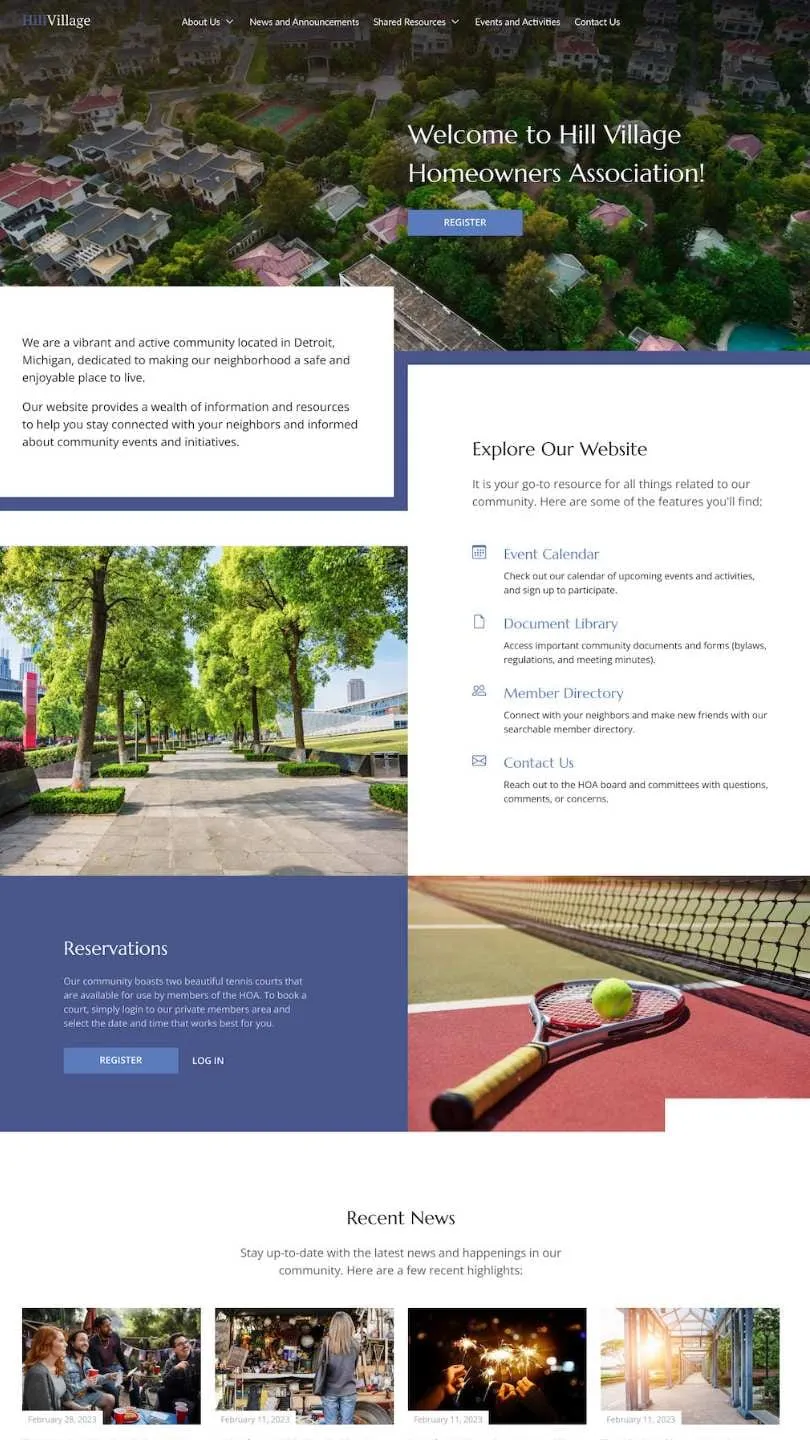
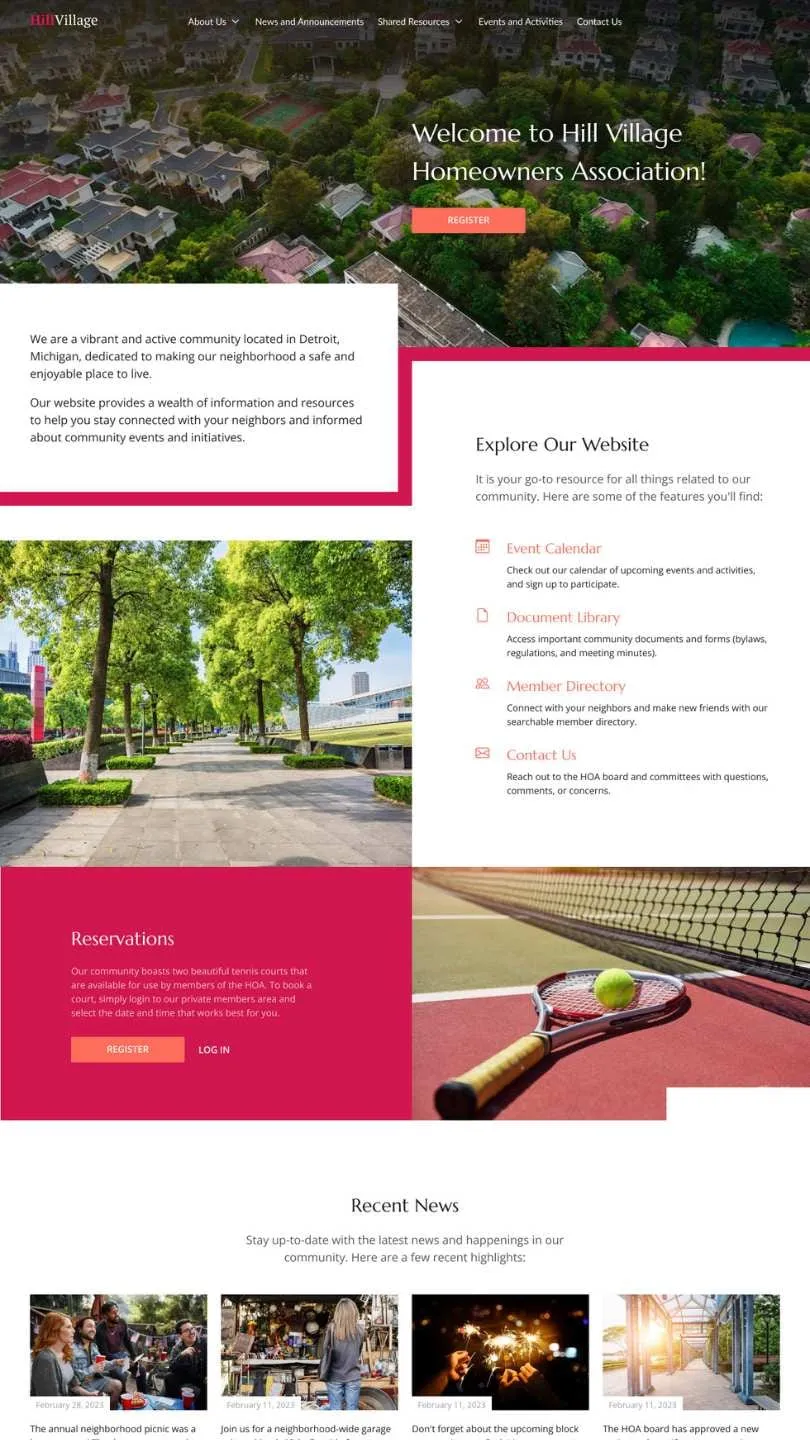
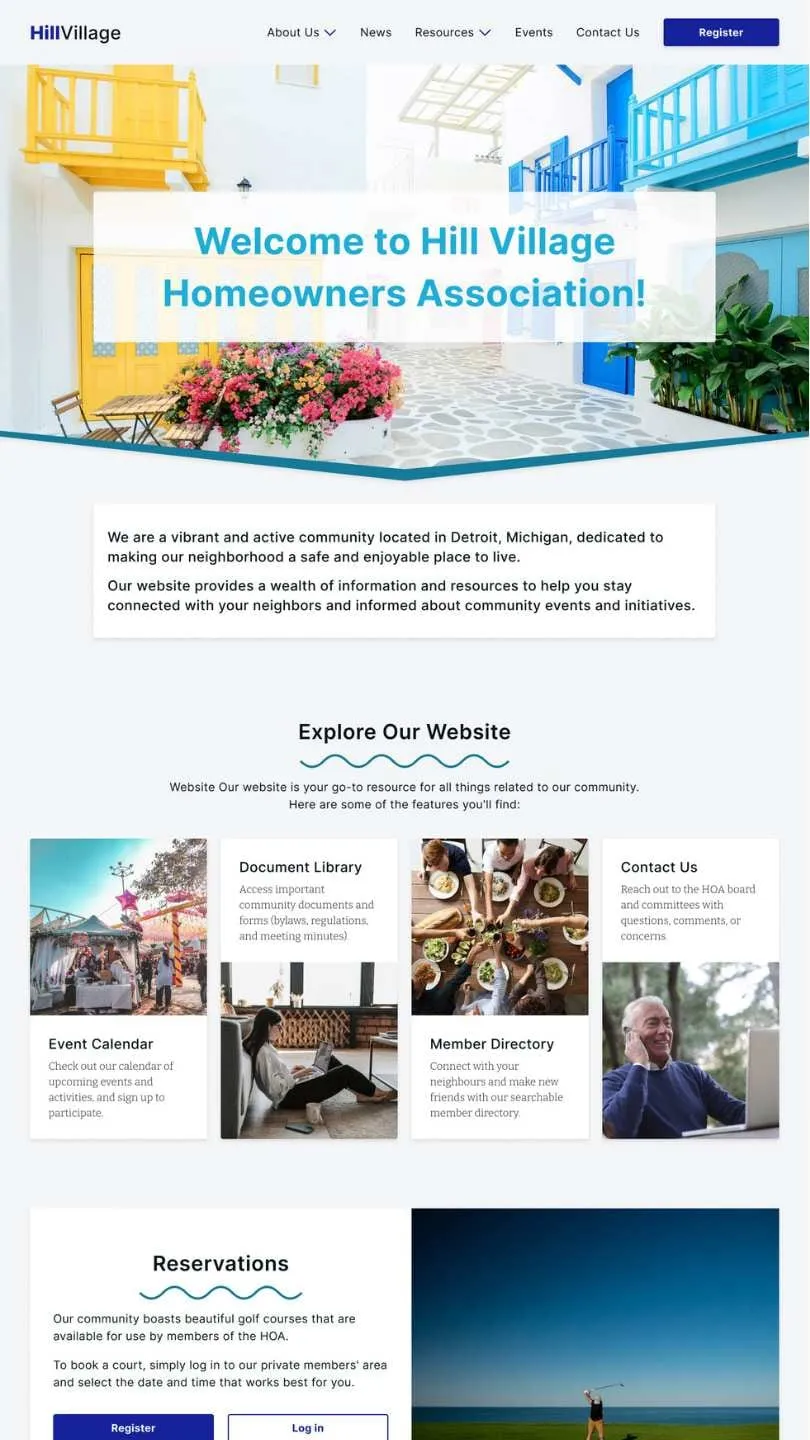
Neighborhood Online stands out by offering a user-friendly drag-and-drop website builder that empowers you to create a beautiful, branded HOA website without the need for coding knowledge. Unlike platforms with limited template options, Neighborhood Online boasts an extensive collection of 29 pre-designed templates and themes. These templates allow you to showcase your HOA’s unique personality and captivate your desired audience with ease.
Moreover, Neighborhood Online goes beyond templates by offering various customization features to make your website truly unique. With Neighborhood Online, you can personalize every aspect of your website without the need for add-ons or advanced technical skills. Whether you want to adjust colors, fonts, layouts, or other design elements, Neighborhood Online provides the flexibility you need to create a stunning and fully customized HOA website.
Feature Comparison
| Feature | Neighborhood Online | Town Square |
|---|---|---|
| Pricing Models | Basic: Free with ads or $25/mo, Community: $95/mo, Enterprise: $5/door/mo | Pro: $90/mo, Advanced: $145/mo, Enterprise: Custom |
| Custom Domain | ✓ | ✓ |
| Pre-Built Themes | 29 | 2 |
| Drag & Drop Editor (WYSIWYG) | ✓ | ✓ |
| User & Role-Based Administration | ✓ | ✓ |
| Website Builder | Yes, Responsive Design | Yes |
| Audit Logs | ✓ | ✗ additional costs |
| Support | Email and Chat Support | Dedicated Client Success Rep, Homeowner Support Org |
| Customization and Branding | ✓ | ✓ |
| Initial Setup Fee | None (Free with ads available) | Varies by package |
| Trial Period | Yes | Yes Credit Card Needed |
Total Cost of Ownership
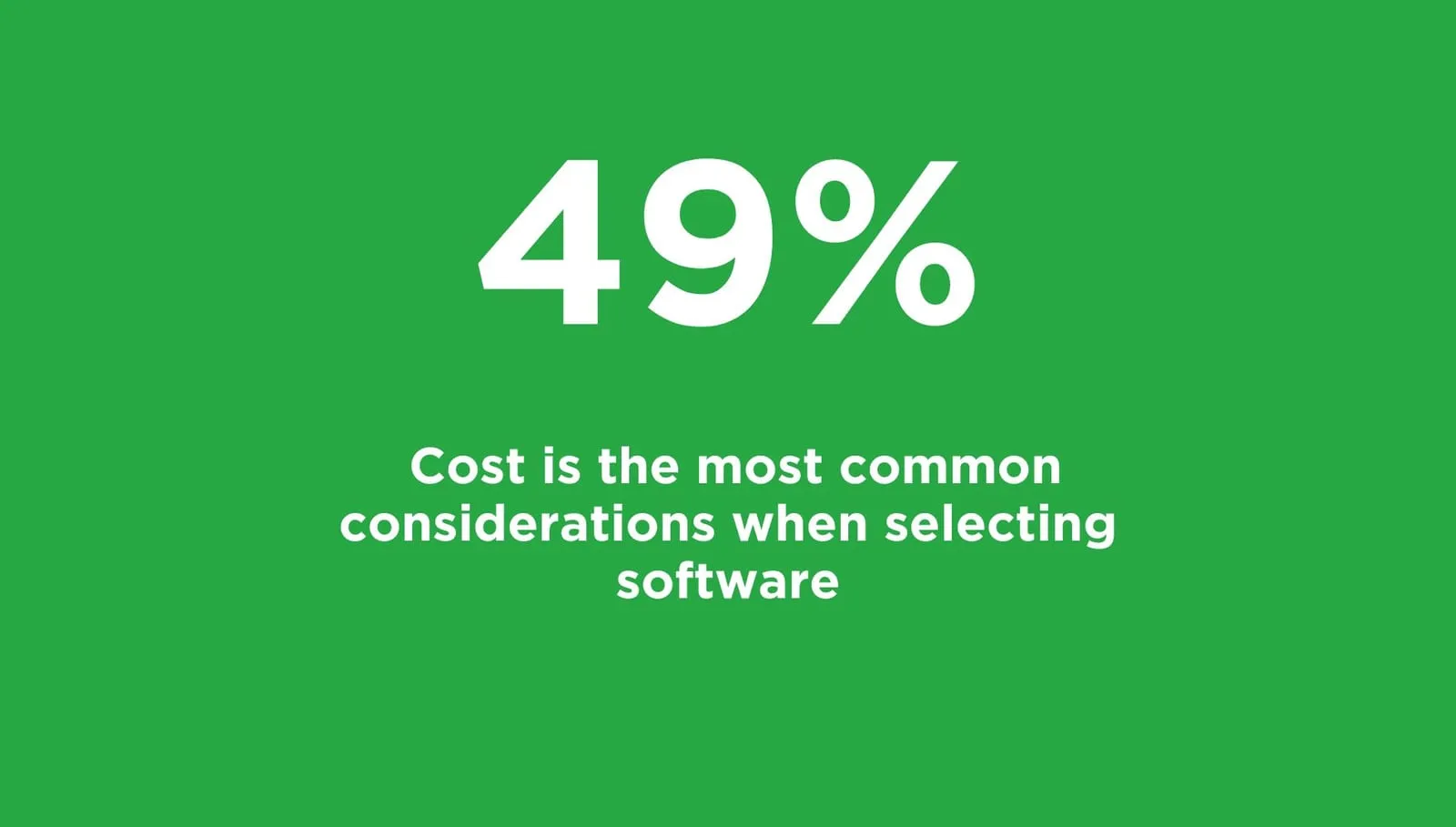
When assessing the total cost of ownership for HOA Management Software, it’s crucial to consider not only the initial subscription fees but also any additional costs associated with customization, domain hosting, and feature add-ons. Let’s break down the costs for two popular options: Neighborhood Online and Town Square.
Neighborhood Online:
- Free Option (with Ads): $0/month
- Includes basic website hosting with ads displayed on some pages.
- Basic (Monthly): $30/month
- Removes ads and allows you to use your own domain name.
- Basic (Annual): $295/year (equivalent to $24.59/month)
- One-time annual payment option to lower the monthly cost.
Town Square:
- Pro: $90/month
- Includes features such as announcements, group customization, requests, and tasks and assignments.
- Advanced: $145/month
- Includes all Pro features plus additional features like audit logs, guest access control, and architectural reviews.
- Enterprise: Custom pricing
- Offers advanced features tailored for multiple associations, including personalized implementation and fully integrated accounting solutions.
Total Cost of Ownership Analysis
- Neighborhood Online: Offers a free option with ads or paid plans starting from $30/month. The absence of additional costs makes it an attractive option for budget-conscious HOAs.
- Town Square: Subscription fees range from $90/month for Pro to custom pricing for Enterprise. Additional costs for features like digital voting and concierge services can increase the overall expenses by over $355 per month.
When making a decision, consider your HOA’s specific needs, budget constraints, and long-term goals. Evaluate not only the upfront costs but also ongoing expenses and the value each platform provides in terms of features, support, and scalability.
Conclusion
Choosing between Neighborhood Online and Town Square depends on the specific needs, size, and preferences of your HOA. If you value simplicity, ease of use, and strong community engagement, Neighborhood Online may be the ideal choice. Conversely, if your community requires detailed management tools, extensive support, and advanced security features, Town Square could better suit your needs.
Both platforms offer distinct advantages and can significantly enhance the management and experience of HOA communities. By assessing your community’s unique requirements and priorities, you can select the platform that will best support your HOA’s objectives and contribute to a thriving, well-managed community.
Sources:
YouTube Video:
- Retrieved from https://www.youtube.com/watch?v=7qb4kBJkCZk
PDF Document:
LinkedIn Articles:
- Retrieved from https://www.linkedin.com/pulse/homeowners-association-hoa-software-market-size-1f
- Retrieved from https://www.linkedin.com/pulse/2030-homeowners-association-hoa-software-market-regional
- Retrieved from https://www.verifiedmarketreports.com/product/homeowners-association-hoa-software-market/
- Retrieved from https://www.globenewswire.com/en/news-release/2023/05/30/2678175/0/en/In-Depth-Analysis-on-Property-Management-Software-Market-USD-42-89-billion-by-2030.html


