
HOA document storage: a smarter way to keep your board's files

If your HOA board still keeps paperwork in manila folders and files on personal computers, you know the pain. A new owner asks for the last budget, and three people search three places. HOA document storage fixes that by giving every file one home that the whole board can find.
This guide covers what good storage looks like, what to store, and how to set it up without turning it into a big project.
What HOA Document Storage Is
HOA document storage is an organized, searchable home for the files your association needs, like minutes, budgets, contracts and the rules. It is more than a shared drive full of PDFs.
Picture a single place with folders for meetings, finances, maintenance and legal papers. When someone asks for the 2024 insurance policy, the answer takes one search and one click.
Why Document Storage Matters for HOAs
Board members come and go. When a new board takes over, it can inherit messy records, or none at all. A consistent system protects today’s work and makes the next handoff easy.
Records matter on other days too. An owner asks to see the minutes, a vendor disputes a contract, or an insurance company asks for proof of a repair. If the file is easy to find, the question is easy to answer.
Poor storage has costs. Paper can burn or flood, and files on one person’s laptop disappear when that person does. Our post on going digital with your files explains the risks in more detail.
How HOA Boards Should Set Up Document Storage
Decide What Belongs in the System
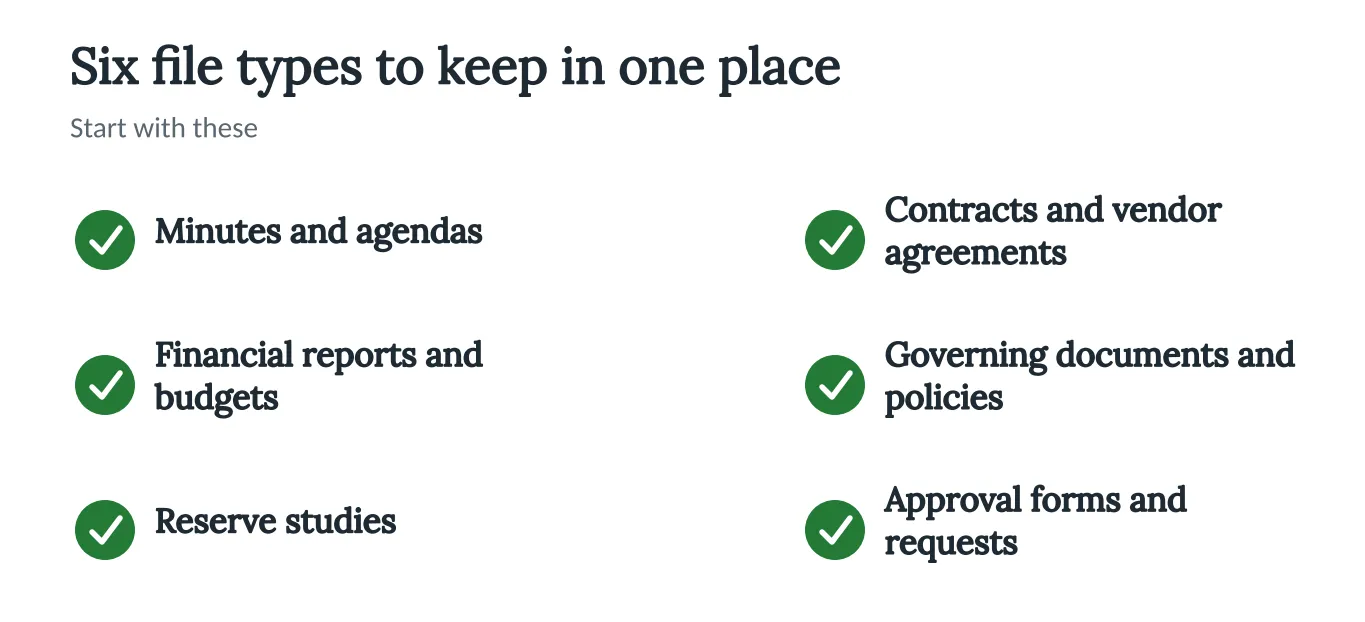
Start with the files you reach for first. The picture below shows six to begin with.
Organize by Category
Use folders for meetings, finances, maintenance, legal and community. Keep file names the same each time, such as “2025-03 Board Minutes.” A name pattern makes searching easy.
Decide Who Sees What
Some files are for everyone, like the rules and minutes. Others are for the board only, like contracts under discussion. Write down which is which, so a new volunteer does not have to guess.
Plan for the Handoff
When a board member leaves, make sure their files are in the shared place before they go. Our guide to building a strong transition team shows how boards prepare for the next group. For help with the records themselves, see our guide to HOA meeting minutes and documentation.
Handle Signatures Carefully
Some documents need signatures. If you use an e-signature tool for contracts or approvals, save the signed copy in the same place as everything else. Ask your attorney whether electronic signatures work for the documents your state requires.
How Technology Can Help
A shared drive can work, but a tool made for HOAs adds structure. Neighborhood.online has a Records Room where governing documents, minutes and drafts live in one searchable place. You can search inside the documents, and when the board changes, the next board has the whole history.
You can see it on the How It Works page. The Free plan gives a community a website and a home for its documents.
Conclusion
Good storage is not about technology. It is about being able to find the right file in a minute. This week, pick six files from the checklist, put them in one place, and name them the same way. For the rules and bylaws side of your files, see our guide to HOA bylaws.


